
Open Command
The Open command opens a GPS Exchange (GPX) or LOC file.
To open a file, do one of the following:
- On the , click .
- Press Ctrl+O.
- Click the
 Open button on the main toolbar.
The Open dialog will appear.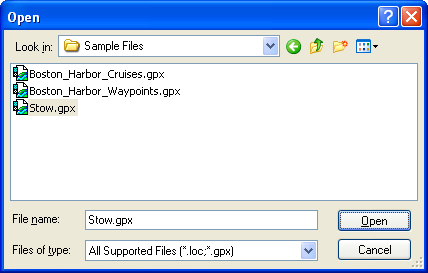
To show only GPX or only .loc files in the Open dialog, select the appropriate filter in the Files of Type list.

Notes
- The TopoGrafix Data File format (.loc) has been replaced by the GPS Exchange format (GPX). If you open a .loc file, you will be prompted to save it in GPX format when you save it.
- GPS Exchange format (GPX) is an open, documented standard for exchanging GPS data. Over 55 other GPS and mapping programs support GPX. If you use a program which does not yet read and write GPX files, please contact the program's author and let them know that GPS data exchange is important to you.



© 1998-2024 TopoGrafix – 24 Kirkland Dr, Stow, MA – Email: support@expertgps.com