
Progress Dialog
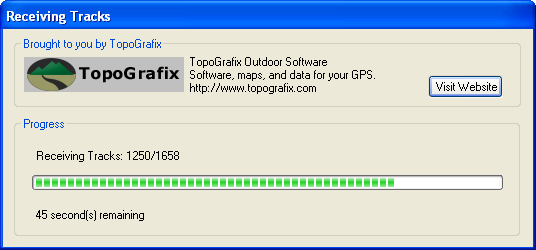
The Progress dialog appears when a command may take several seconds to complete. The estimated time remaining is displayed beneath the progress bar.



© 1998-2024 TopoGrafix – 24 Kirkland Dr, Stow, MA – Email: support@expertgps.com
The Progress dialog appears when a command may take several seconds to complete. The estimated time remaining is displayed beneath the progress bar.
© 1998-2024 TopoGrafix – 24 Kirkland Dr, Stow, MA – Email: support@expertgps.com